

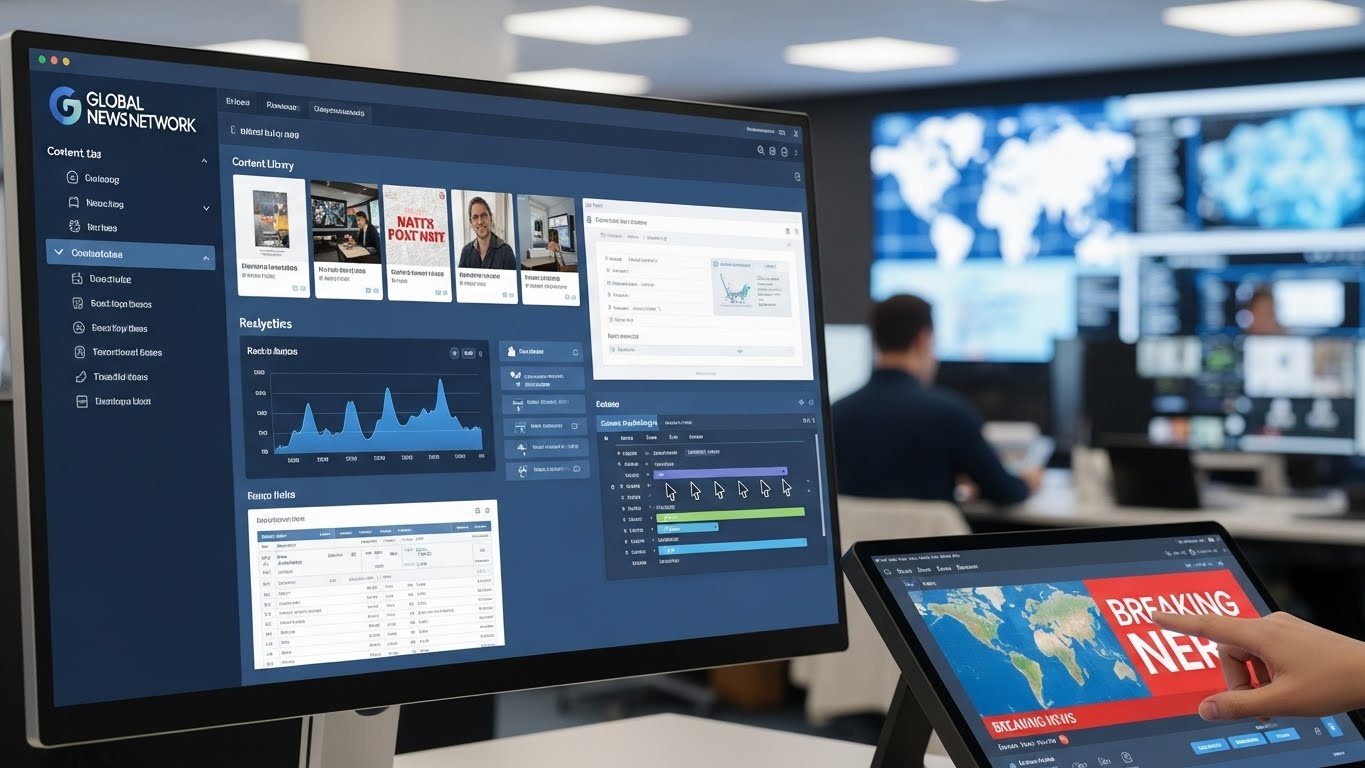
Migrating a media company to a new Content Management System (CMS) can be a daunting task. With large volumes of content, multiple contributors, and strict publishing deadlines, the process requires careful planning and execution. However, when done correctly, a CMS migration can streamline workflows, enhance collaboration, improve scalability, and boost overall productivity. Here are key tips to ensure a smooth migration.
Conduct a Comprehensive Audit
Before migrating, it’s crucial to perform a complete audit of your existing content, assets, and workflows. This includes:
- Listing all current content types (articles, videos, podcasts, images, etc.)
- Identifying outdated or duplicate content to clean up
- Reviewing existing metadata, tags, and SEO settings
- Assessing integrations with analytics, CRM, social media, and advertising platforms
A thorough audit helps you decide what to migrate, what to archive, and ensures that nothing critical is lost during the transition.
Define Clear Goals and Requirements
Determine why your media company is moving to a new CMS and what you want to achieve. Common goals include:
- Better editorial workflow management
- Multi-channel publishing capabilities
- Improved collaboration among distributed teams
- Enhanced SEO and analytics integration
- Scalability to handle growing audiences
Defining these goals early helps guide platform selection and migration strategy, ensuring the new CMS for media companies meets your operational needs.
Choose the Right CMS
Selecting the right CMS is critical. Consider the following when evaluating options:
- Ease of use: Editors and content creators should be able to work efficiently without extensive training.
- Workflow capabilities: Look for role-based permissions, editorial approvals, and task management features.
- Multi-channel publishing: Ensure the platform can distribute content to websites, mobile apps, social media, and newsletters.
- Integration options: The CMS should integrate with existing analytics, ad management, and marketing tools.
- Scalability and support: The platform should grow with your company and provide reliable customer support.
Choosing the right CMS lays the foundation for a successful migration.
Develop a Migration Plan
A well-structured migration plan is essential to avoid downtime and content loss. Key components include:
- Content mapping: Determine how old content will be transferred into the new system, including URL structures and metadata.
- Timeline and milestones: Set realistic deadlines for migration phases, testing, and final launch.
- Team responsibilities: Assign clear roles for content owners, developers, and project managers.
- Testing and QA: Include time for content previews, broken link checks, and layout testing.
A detailed plan ensures everyone knows their responsibilities and the migration stays on track.
Backup Everything
Before starting migration, create full backups of your existing content, media assets, databases, and settings. Backups serve as a safety net in case something goes wrong during migration, preventing permanent data loss.
Start with a Test Migration
Before moving the entire content library, perform a test migration with a small subset of content. This helps you identify potential issues such as:
- Broken links or missing images
- Incorrect metadata transfer
- Formatting or layout errors
- Integration problems with analytics or third-party tools
A test migration allows you to resolve problems before the full migration, minimizing disruption.
Train Your Team
Even the best CMS is only effective if your team knows how to use it. Provide training sessions for editors, writers, designers, and marketers. Focus on:
- Navigating the new interface
- Creating, editing, and publishing content
- Using workflow and collaboration tools
- Leveraging analytics and SEO features
Proper training ensures a smooth transition and reduces resistance to change.
Monitor Post-Migration Performance
After migration, monitor your site and content performance closely. Check for:
- Broken links and missing media
- Page load speeds and technical issues
- SEO performance and URL redirects
- User engagement metrics
Monitoring ensures that any post-migration issues are quickly addressed, preserving audience trust and website performance.
Continuous Optimization
Migration is not the end—it’s an opportunity to optimize your CMS and workflows. Evaluate analytics to see what content performs best, streamline editorial processes, and explore automation or AI tools that can improve efficiency.
Conclusion
Migrating a media company to a new CMS is a complex but rewarding process. By conducting a content audit, defining clear goals, choosing the right CMS, developing a detailed migration plan, performing test migrations, training your team, and monitoring post-launch performance, media companies can ensure a smooth transition. A successful migration not only preserves content integrity but also enhances collaboration, workflow efficiency, and audience engagement, positioning your organization for long-term digital success.

